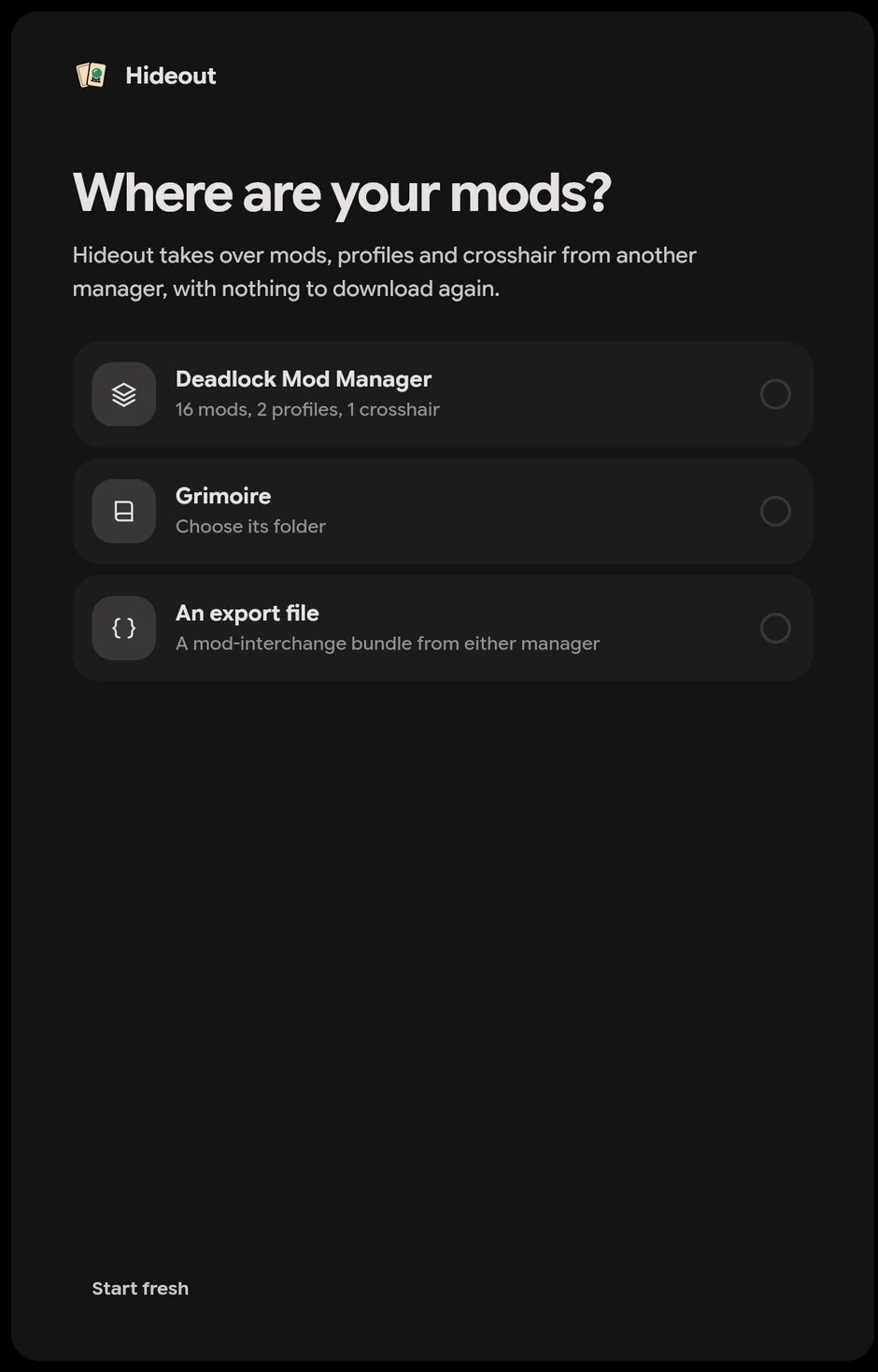
It finds your setup
The first time you open Hideout, it looks for Deadlock Mod Manager and Grimoire and shows what it found. You can also pick an export file, or start fresh.
 Hideout
 imports your mods, profiles, crosshair and autoexec from Deadlock Mod Manager or Grimoire. It takes over the mod files already in your game, so nothing downloads again.
Your mods are already on your PC. Hideout takes them over where they are.
The first time you open Hideout, it looks for Deadlock Mod Manager and Grimoire and shows what it found. You can also pick an export file, or start fresh.
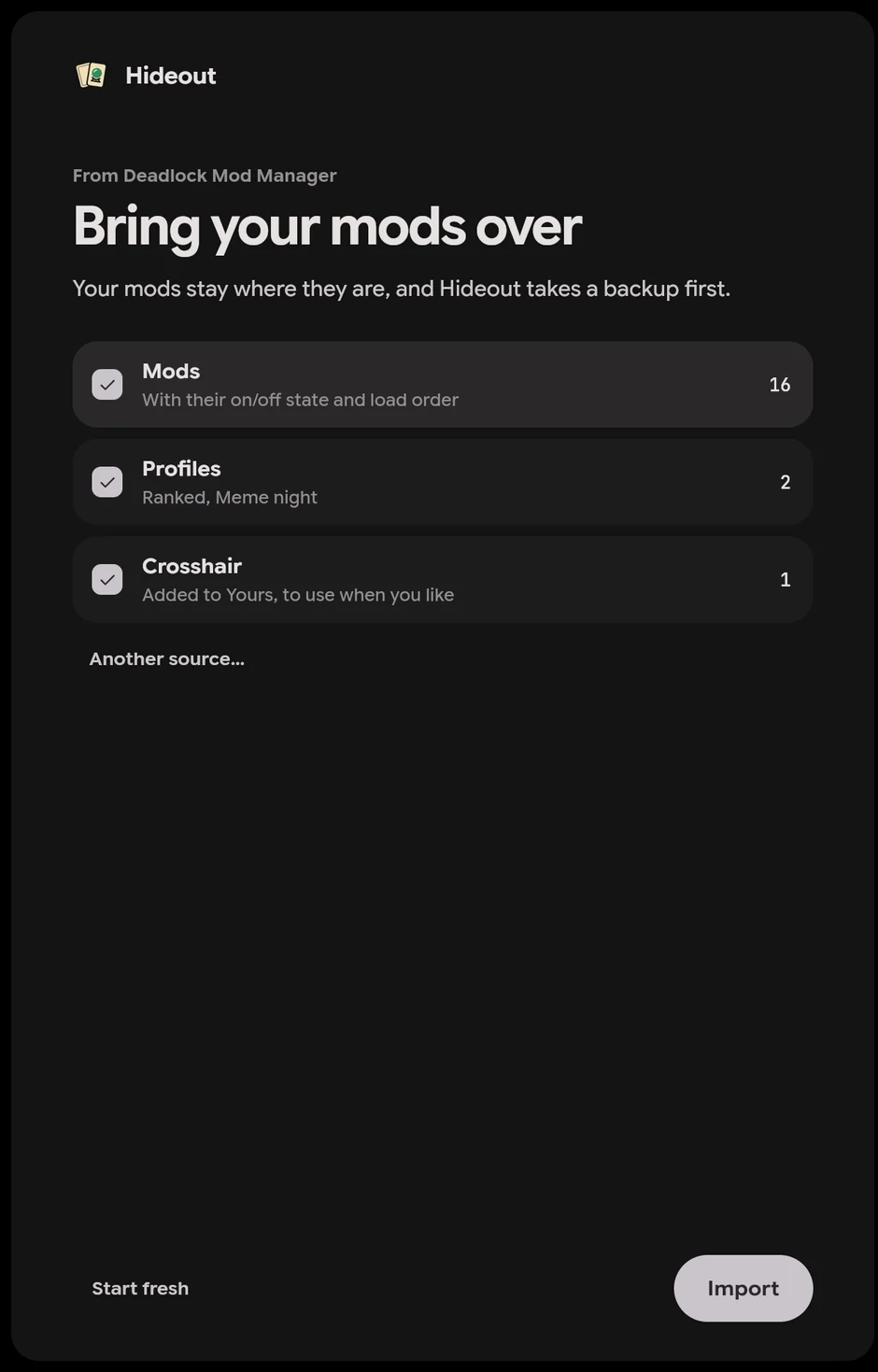
Untick anything you’d rather leave behind. Hideout takes a backup before it changes anything.
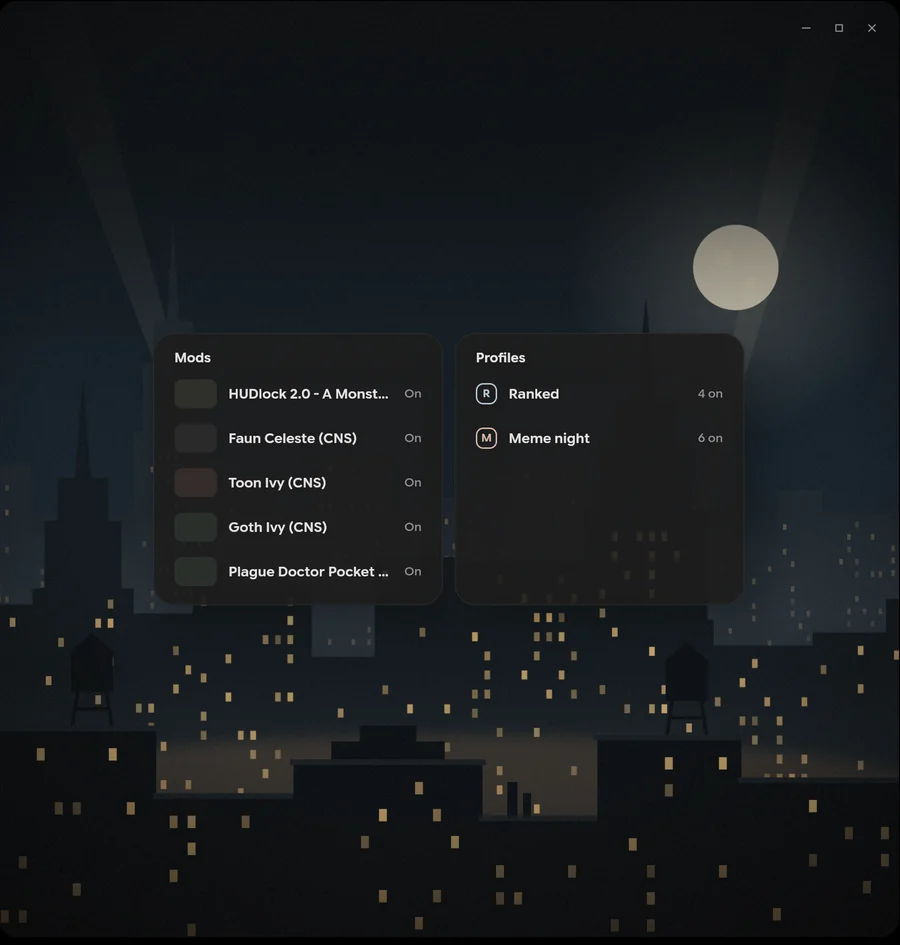
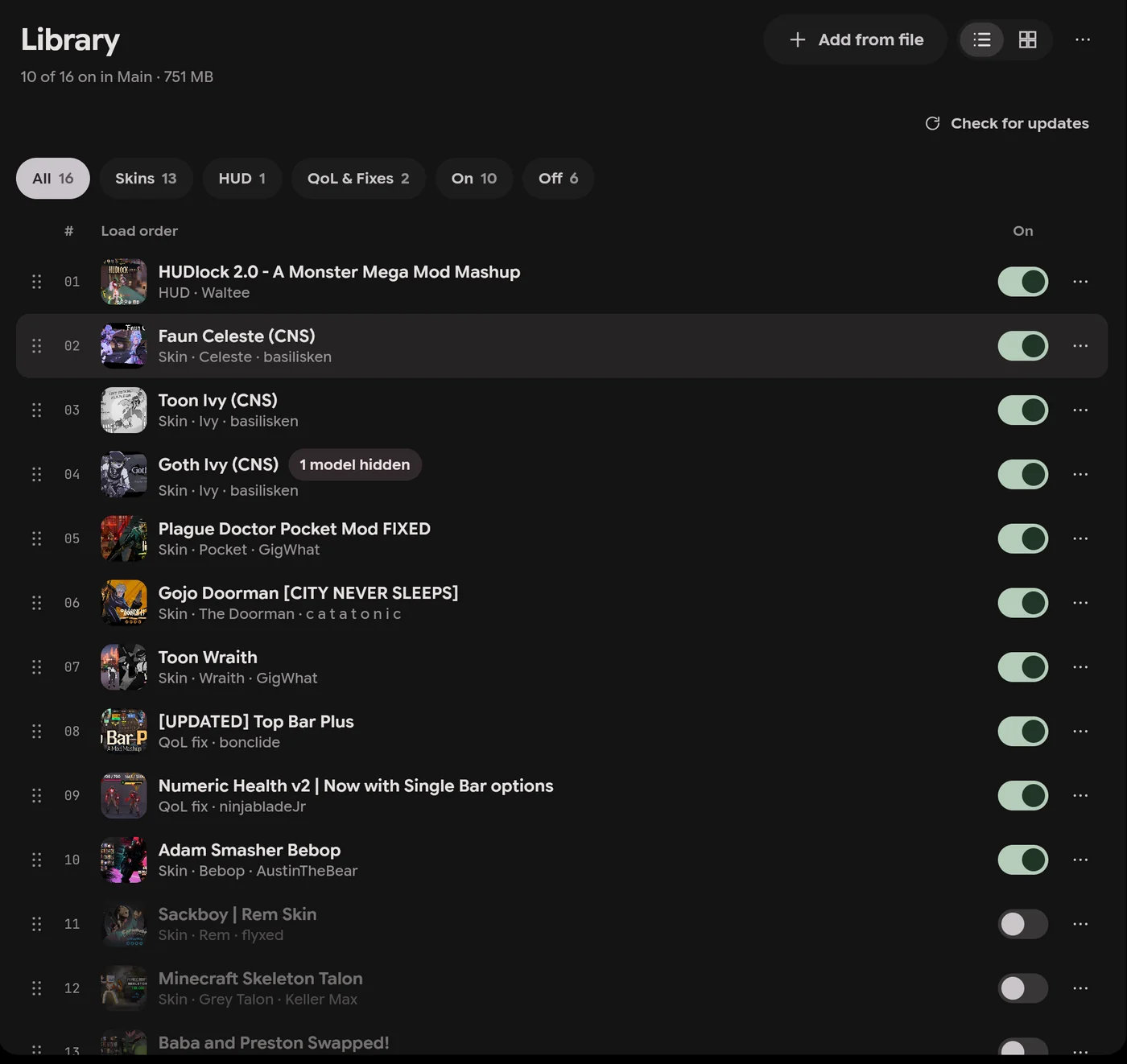
Your mods keep their on or off state and their load order, and each profile keeps its name. Hideout then looks for each mod on GameBanana, so it can get updates. A mod it can’t find stays as a local mod.
Hideout reads your old manager’s settings and never changes them. Mods you leave out stay where they are.
The import waits until Deadlock and your old manager are closed. From then on, Hideout decides which mods load.
What each app does, from its own site. All three are free and open source, and run on Windows and Linux.
| Hideout | Deadlock Mod Manager | Grimoire | |
|---|---|---|---|
| Price | Free | Free | Free |
| Licence | GPL-3.0 | GPL-3.0 | MIT |
| Systems | Windows, Linux | Windows, Linux | Windows, Linux, and an experimental macOS build |
| Browse GameBanana in the app | Yes | Yes | Yes |
| Profiles | Yes | Yes. Shared by profile ID | Yes. Shared as a code |
| Load order | Yes | Yes | Yes |
| 3D skin preview | Yes | Yes | Yes. With poses and animations |
| Custom games with friends | Yes. Host a mode on your PC, friends join with a code | Yes. Custom maps, off by default. Friends paste a connect command in the console. | Not on its site |
| Community servers | Coming soon | Yes. Server Browser | Yes. Servers tab, experimental |
| Crosshair | Yes | Yes | Yes. Experimental |
| Autoexec | Yes | Yes | Yes |
| Imports from | Deadlock Mod Manager, Grimoire, an export file | Grimoire, an export file | Deadlock Mod Manager |
Checked against deadlockmods.app, its documentation, and grimoiremods.com on 15 November 2026.
Hideout keeps a backup of what it took over, and you can play without mods whenever you like.
Hideout reads your old manager’s settings and leaves them as they were. It takes a backup before the import changes anything.
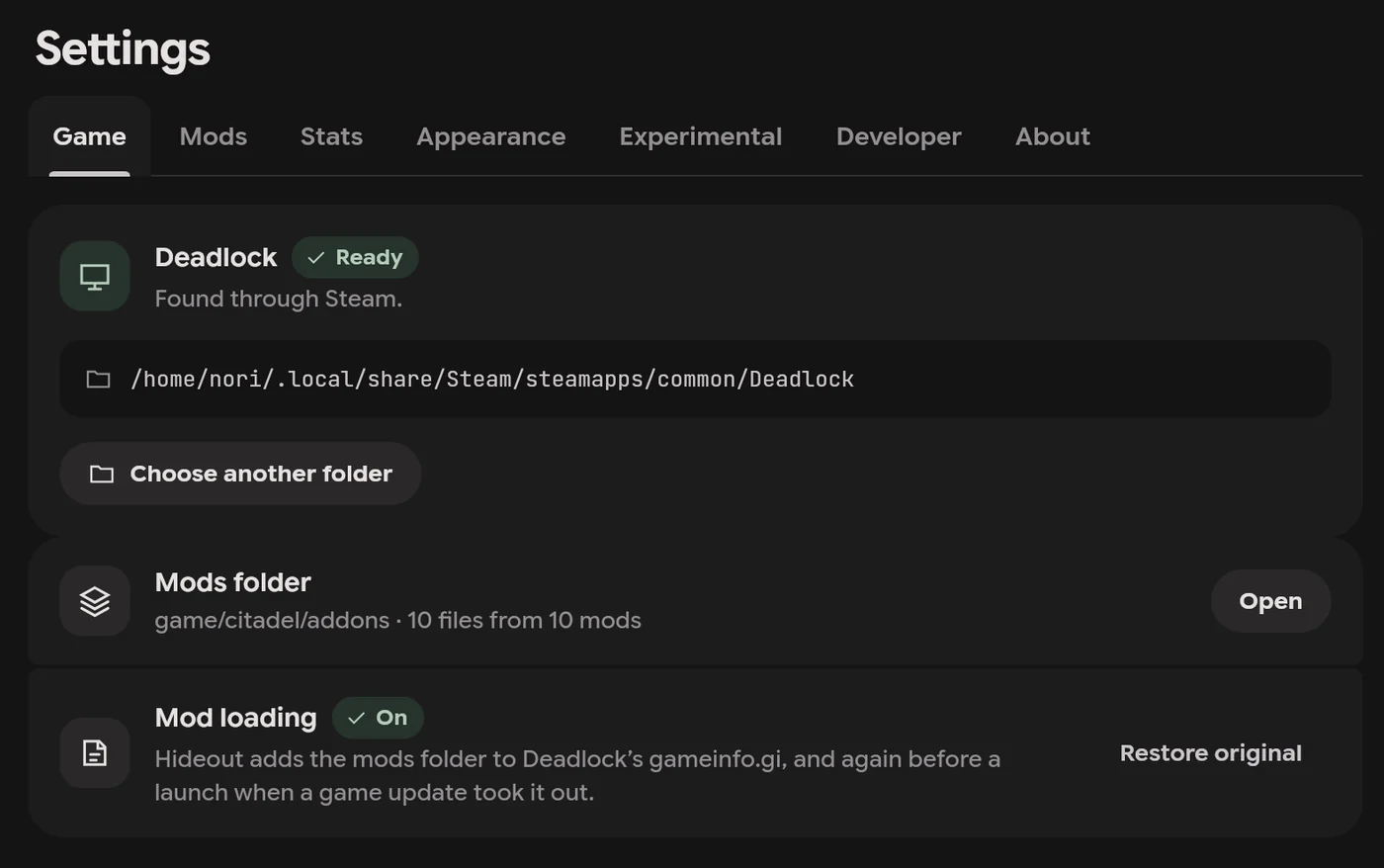
Play vanilla starts Deadlock without your mods. Restore original, in Settings › Game, takes Hideout’s lines out of gameinfo.gi.
Setup takes about a minute, and it can bring over your mods from the manager you use now.