 Hideout-x.y.z-x86_64.AppImage

$ chmod +x Hideout-*.AppImageOne file
Download the AppImage, make it executable once and open it. It needs no root, and it updates itself.
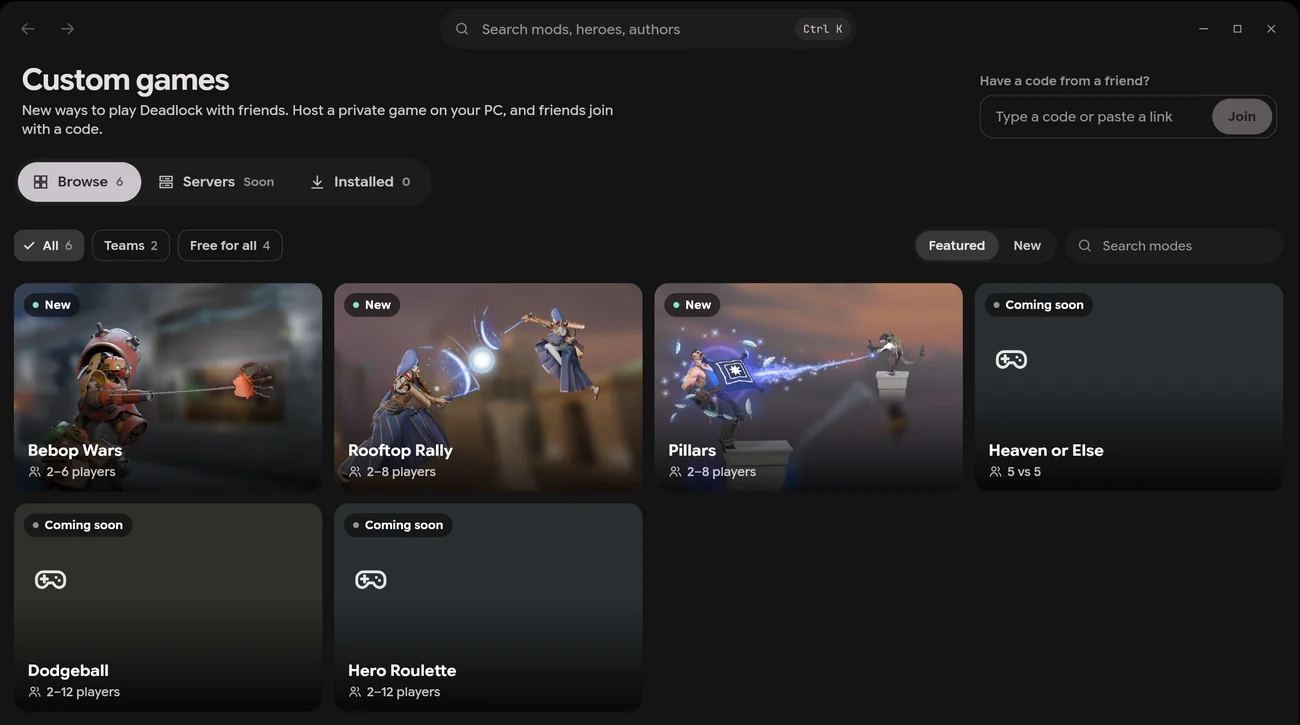
HideoutHideout is a Deadlock mod manager that runs natively on Linux. GameBanana mods, profiles, load order, the 3D preview, custom games and match stats work the same as on Windows.
There’s an AppImage that runs on any distribution, and DEB and RPM packages. All three are for x86_64.
Hideout-x.y.z-x86_64.AppImage$ chmod +x Hideout-*.AppImageDownload the AppImage, make it executable once and open it. It needs no root, and it updates itself.
The DEB and RPM packages add Hideout to your app menu. For the AppImage, Gear Lever does it.
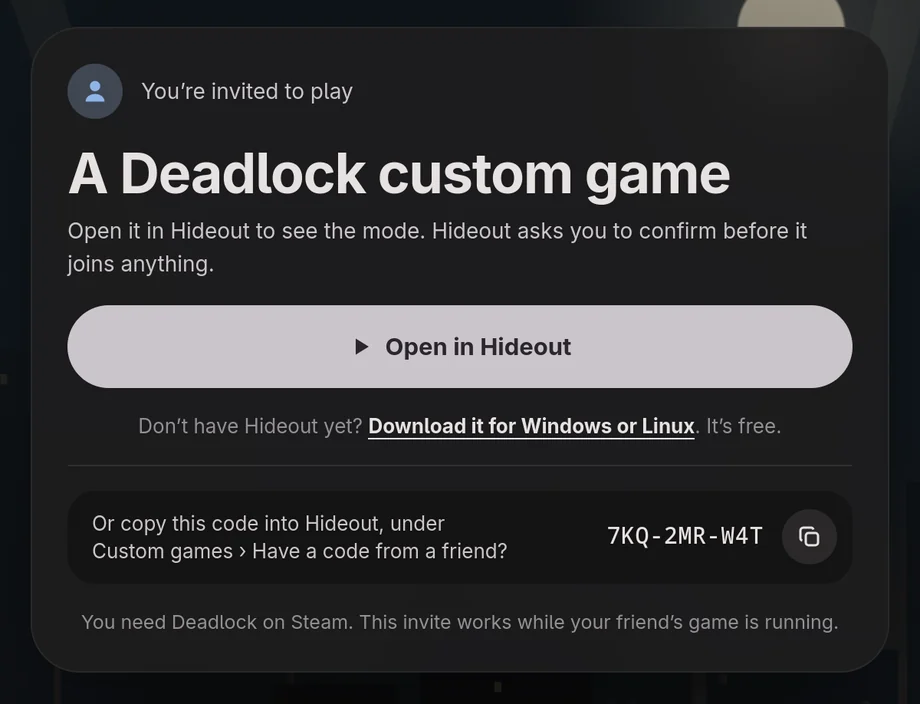
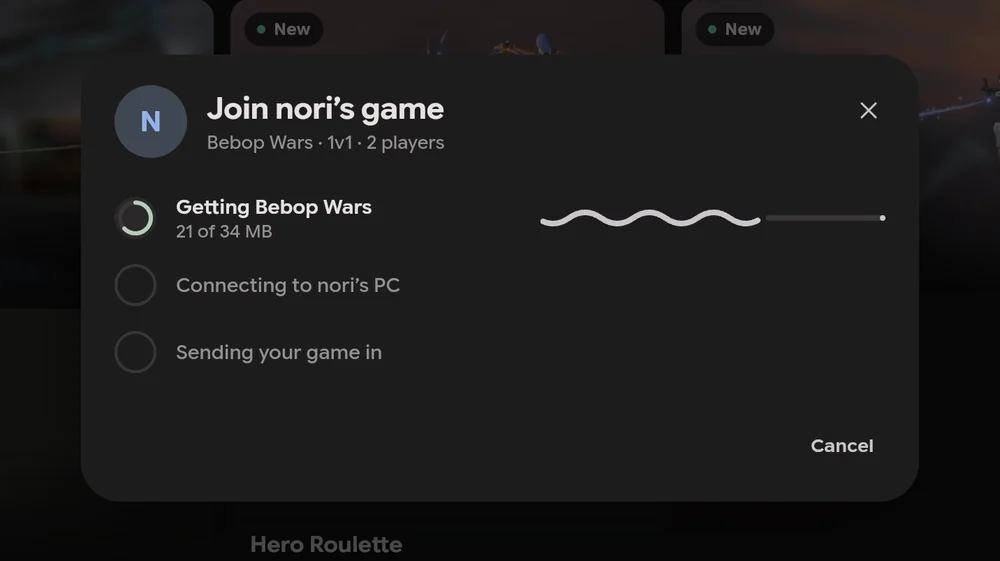
Hideout registers itself for hideout:// links, so a friend’s invite opens it and joins their game. The AppImage does this the first time you open it.
It looks in every Steam library, and in Steam from Flatpak and Snap too.
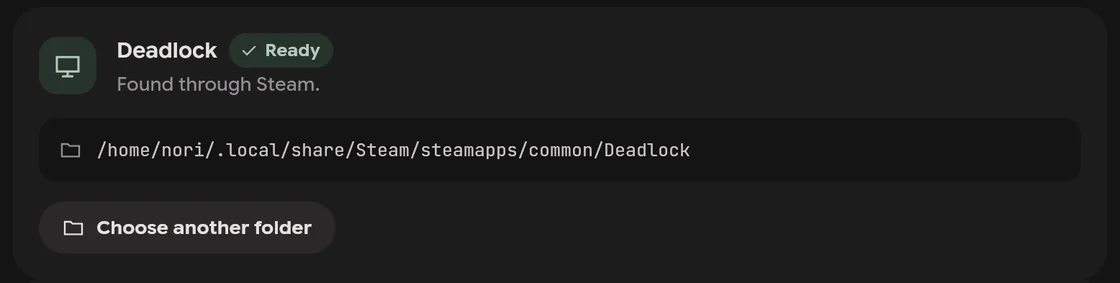
Hideout reads Steam’s list of library folders, so a game on another drive is found too. It also looks where Flatpak and Snap keep Steam.
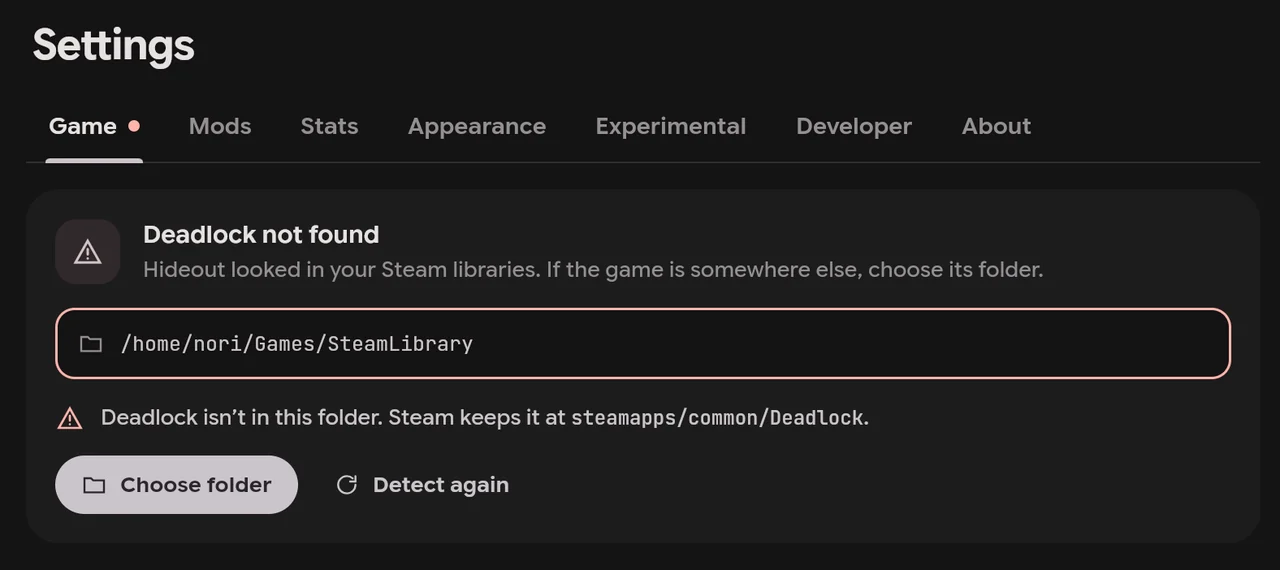
Choose the Deadlock folder in Settings › Game. If the folder doesn’t hold Deadlock, Hideout says so.
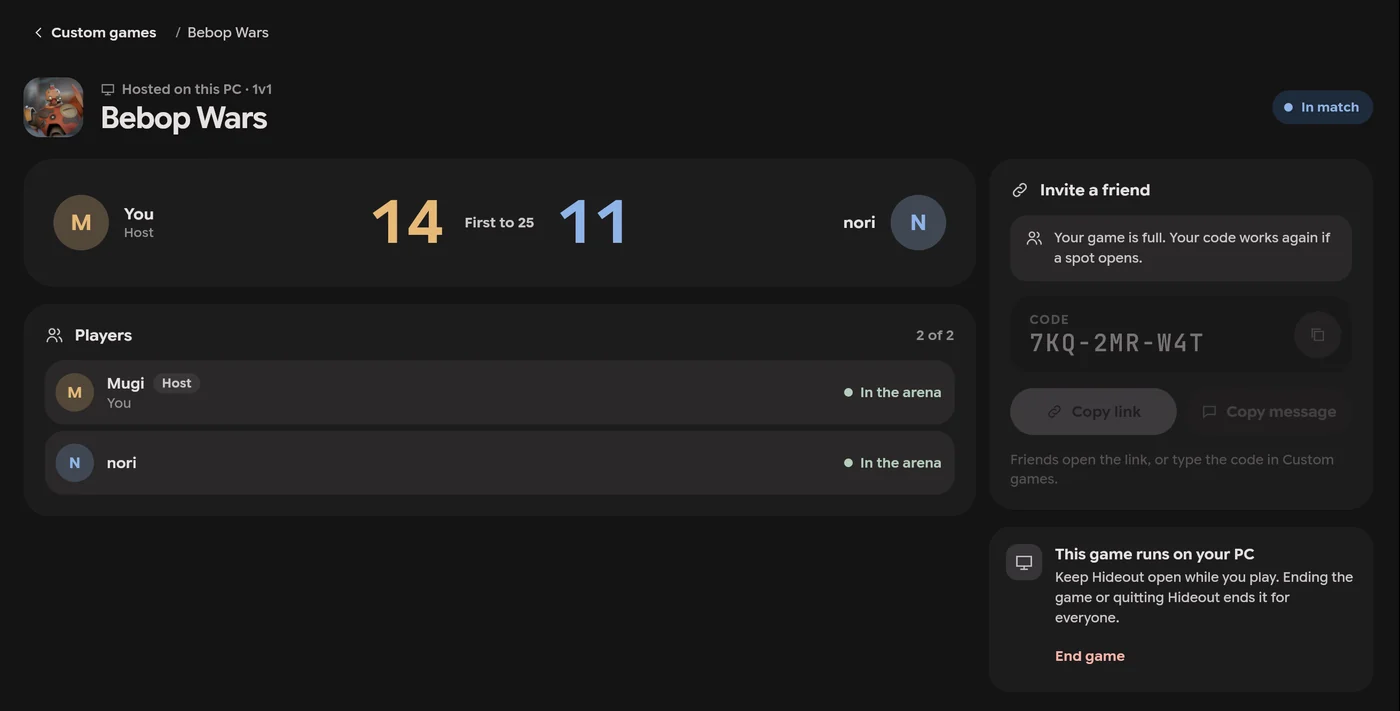
Linux and Windows players join the same games. A Linux PC can host them too.
Host or join the same way as on Windows. Joining starts Deadlock through Steam, which runs it with Proton. When you host, the game’s server runs under Proton as well.
Steam from Flatpak or Snap can join games but can’t host them yet. Read more about custom games with friends.
What to do when Hideout, Steam and Deadlock don’t get along.
Choose the folder in Settings › Game. Steam keeps Deadlock at steamapps/common/Deadlock, inside one of your Steam libraries.
The AppImage registers hideout:// links each time you open it, so after you move it, open it once from its new place. You can also paste the code in Custom games, under Have a code from a friend?
Steam from Flatpak or Snap can’t host a game yet. You can still join a friend’s.
Check that Steam is running, then press Play. If Steam has a Deadlock update waiting, Deadlock may not open until the update installs.
On Fedora Atomic desktops, use the AppImage. On NixOS, turn on AppImage support, or open it with nix run nixpkgs#appimage-run.
The DEB and RPM packages ask for it when they install an update. The AppImage updates without asking.
Setup takes about a minute, and it can bring over your mods from the manager you use now.